
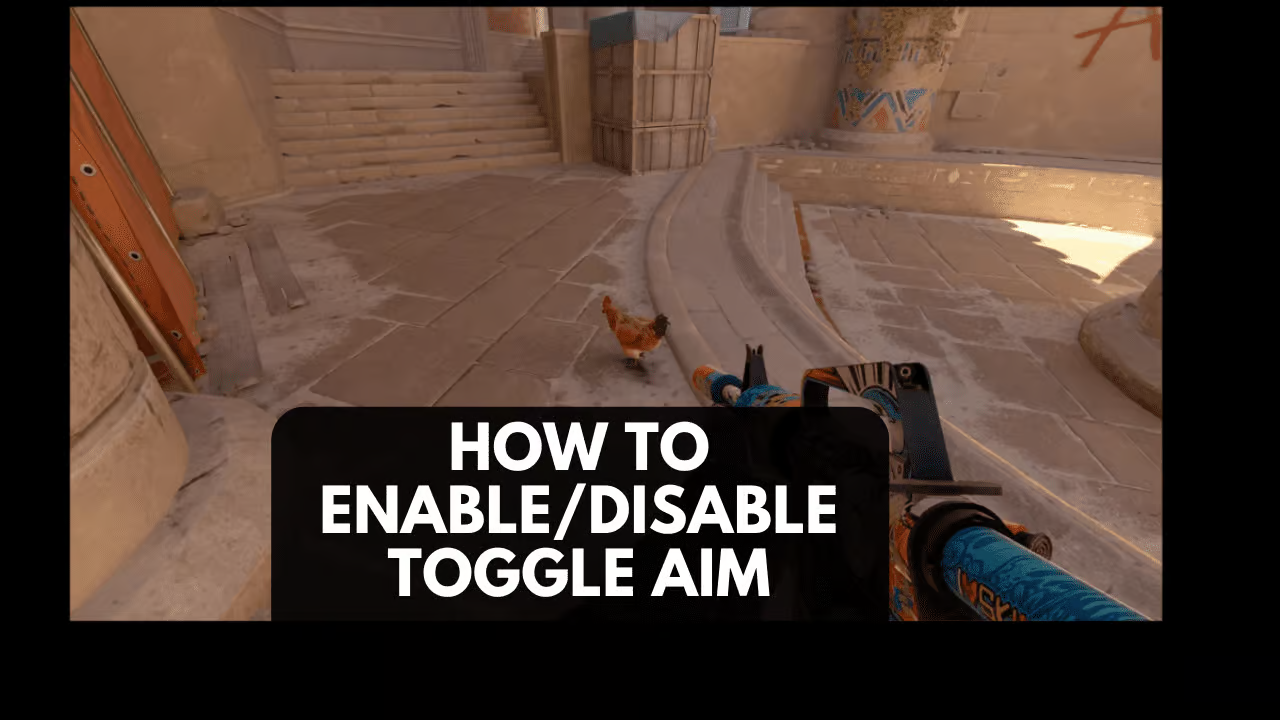
The Counter-Strike franchise has always been about a player’s individual mechanics with their weapons of choice. Most of the time, these weapons come without the option to look down the iron sights or a scope unlike other major titles such as VALORANT and Call of Duty. While the AK-47 and M4s will most likely never adopt the option to aim down sights, some weapons such as sniper rifles and a handful of assault rifles do.
The AUG and SG553 have the option for a player to look through their optical scope, giving increased zoom and in turn a more accurate shot. Snipers such as the AWP and SSG 08 require the use of their scope for an accurate shot as simply hip firing decreases the bullet’s accuracy by a large amount. While aiming down the scope, the game allows the user to configure their settings based on whether they prefer the aim to be toggled by holding down the designated keybind or not.

How To Turn Off Toggle Aim in CS2
Turning off Toggle Aim in Counter-Strike: Global Offensive is relatively easy. From the main menu, simply navigate your way to the settings tab and the keyboard/mouse category where you can find the setting “Zoom Button Hold” on the screen. From there, simply select from the dropdown box whether you want this setting to be enabled or disabled. Enabling it turns on Toggle Aim and vice versa. This is also the exact same process for Counter-Strike 2.
Recommended Articles

How To Change Default Font In CS2
In this tutorial, we’ll walk you through the whole process of changing the default font in CS2 and Counter-Strike, giving you all the tricks!

The Best Bowie Knife Skins in CS2: Top 10
Do you want to add a CSGO Bowie knife to your arsenal but you don’t know which one to buy or exchange? Our guide will give you the latest details on the best Bowie Knife to add to your collections!

How To Play CS2/CSGO On a Very Low End PC
If you want to know the best settings to use in order to play counter strike on a low end pc then check out our full guide here.