
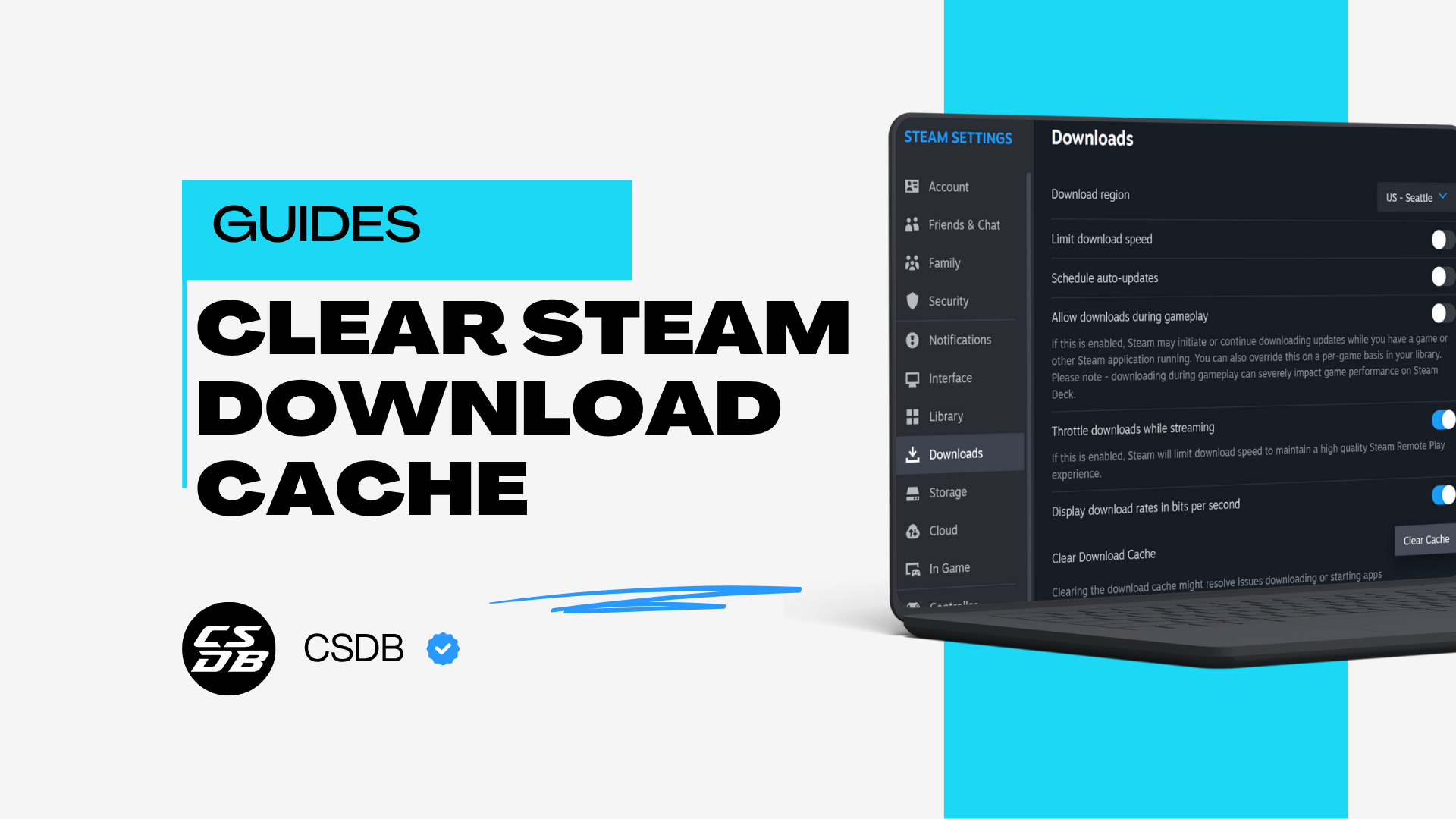
If you are experiencing issues with your download speeds or in-game performance, sometimes, the best solution is to clear your Steam’s download cache, which will erase all unnecessary files, allowing Steam to run smoother.
This quick guide will show you how to clear CSGO cache in easy steps.

Step-By-Step Guide To Clearing Download Cache
Step 1: Launch Your Steam Client
The first step to clear CS2 cache is to launch your Steam client. Make sure you are already logged into your Steam account.
Step 2: Go To Your Steam Settings Menu
Once your Steam client is opened, navigate your cursor to the top left of the client. You should see the “Steam” menu on the very corner of your screen. After opening the “Steam” menu, click the “Settings” option.
Step 3: Go To The Downloads Section
In your Steam Settings menu, you will see many options on the left sidebar. Here, click on the “Downloads” section.
Step 4: Clear Download Cache
Under the Downloads menu, scroll down until you see the “Clear Download Cache” option. Once you’ve found it, click the “Clear Cache” button next to it.
Steam will pop out a confirmation, asking if you are sure about your decision to clear Steam cache files on your account. Simply click on the “Confirm” button to proceed.
And that’s all you have to do! Steam will start automatically clearing all your download cache files. The process will only take a few minutes. While waiting, you can carry on with whatever you’re doing on your device.
Why Should You Clear Steam Download Cache?
Clearing your Steam download cache can solve numerous problems, including loading and connection issues. A computer filled with cache files can cause issues surrounding the speed and responsiveness of applications, including your CS2 game.
Clearing your download cache regularly is important for a smoother experience when playing games on Steam.
Additionally, cached files can cause problems when trying to update games on Steam. It never hurts to clear your download cache files if you ever feel like your Steam’s updating progress or download speeds are slow or frozen.
Recommended Articles

10 Cheap CS2 XM1014 Skins Under $10
The XM1014 has a surprising variety of skins that cater to different tastes and themes, and we have shortlisted the cheapest ones just for you!

All CS2 Skins Inside The Prisma Case
Explore every CS2 skin available in the Prisma Case. We take a look at each of the 17 Prisma case skins giving you a run down of the rarity and styling.

Are CS2/CSGO Cases Predetermined?
Uncover the truth about CS2/CSGO cases. Are they predetermined? Join us as we take a closer look at the algorithms and odds of counterstrike cases.